Mobile Mode
Mobile Mode lets you connect a mobile device to your StandX account for trading-only access. It works by creating an API Token session on desktop and authorizing the mobile device to use it.
Important notes
- Mobile mode supports trading only. Withdrawals are not available.
- Mobile mode cannot sign on-chain transactions (for example, BSC/SOL). To sign on-chain transactions, open standx.com in a wallet app (for example, MetaMask, Binance Wallet, Phantom).
Connect Procedure
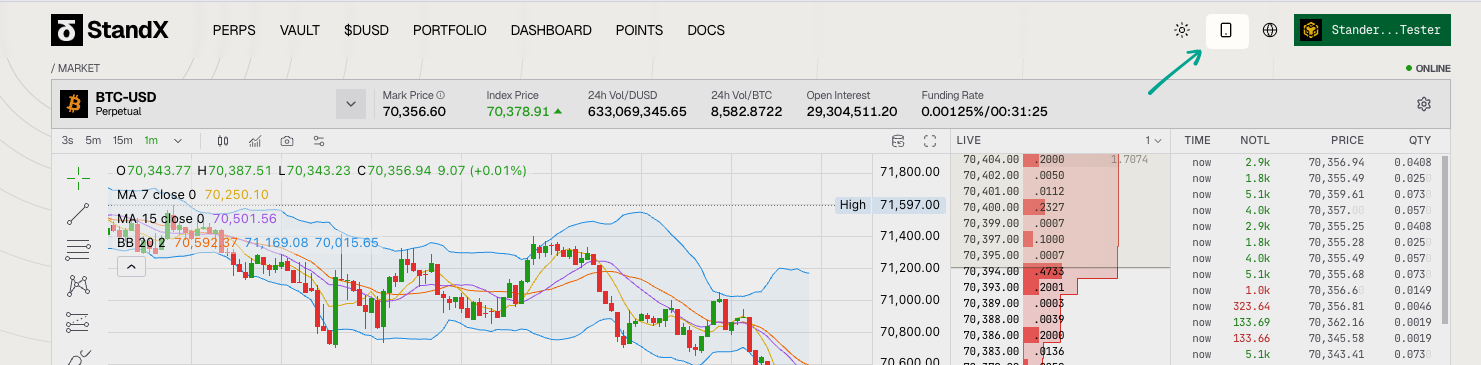
- On desktop, click the phone icon in the top-right corner.
- On the mobile device, open the camera app and scan the QR code.
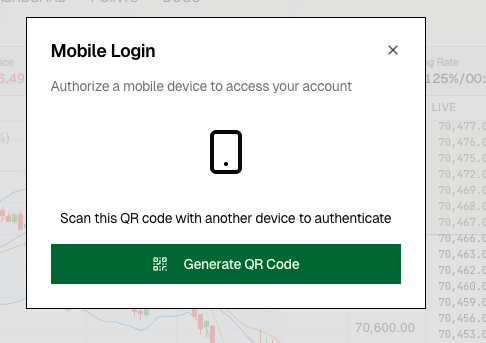
- Back on desktop, verify the code and click Authorize Device.
![_max-h-[300px]](/_next/static/media/e6fba4c3ef7be5543286c7da94a644f4.b3dc219f.png)
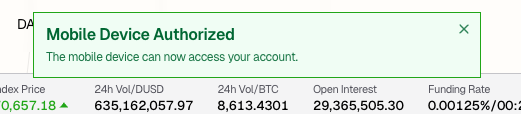
- On desktop, complete the wallet signature request. Once successful, you will see a confirmation popup on the desktop site.
Managing Session
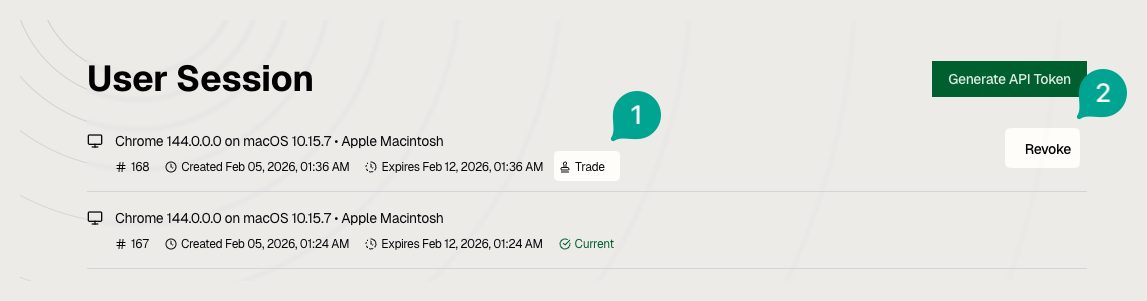
The mobile session and permission scope are available on the StandX Session page.
More details please refer to https://docs.standx.com/docs/stand-x-perps-solutions/api-token