1.Connect with Binance Wallet
- Go to website https://www.standx.com
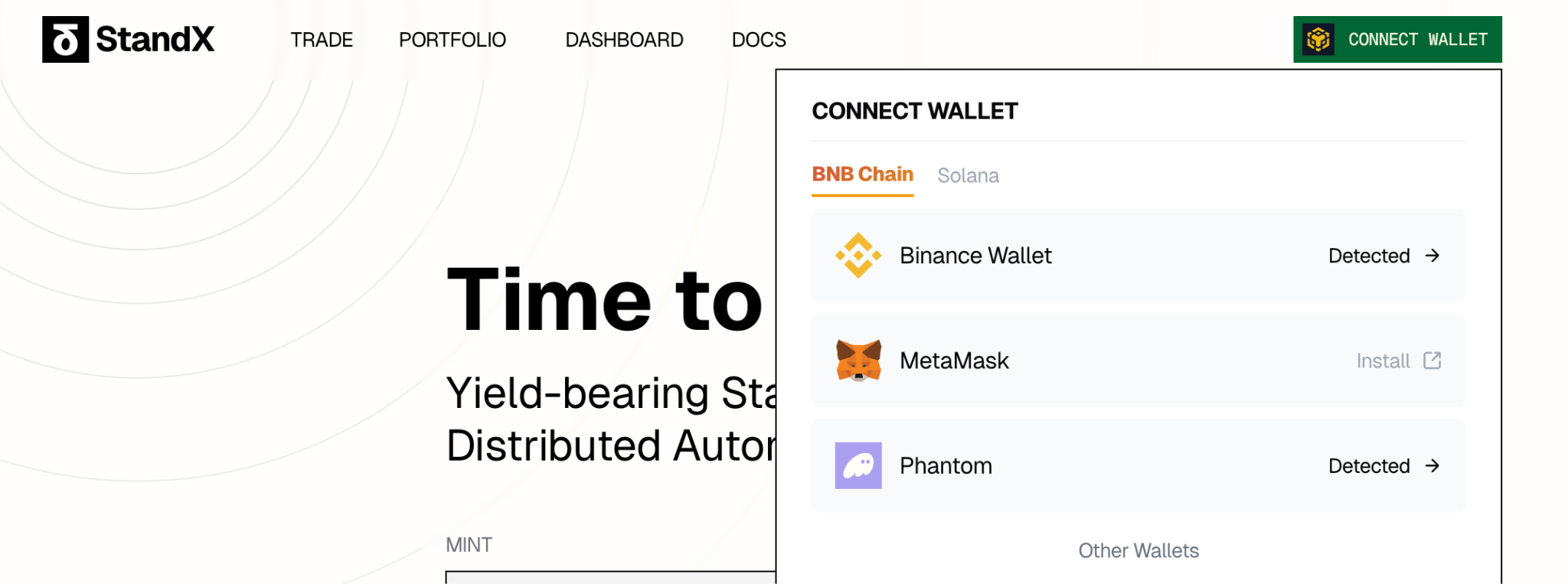
- Click “CONNECT WALLET” - BNB Chain - Binance Wallet
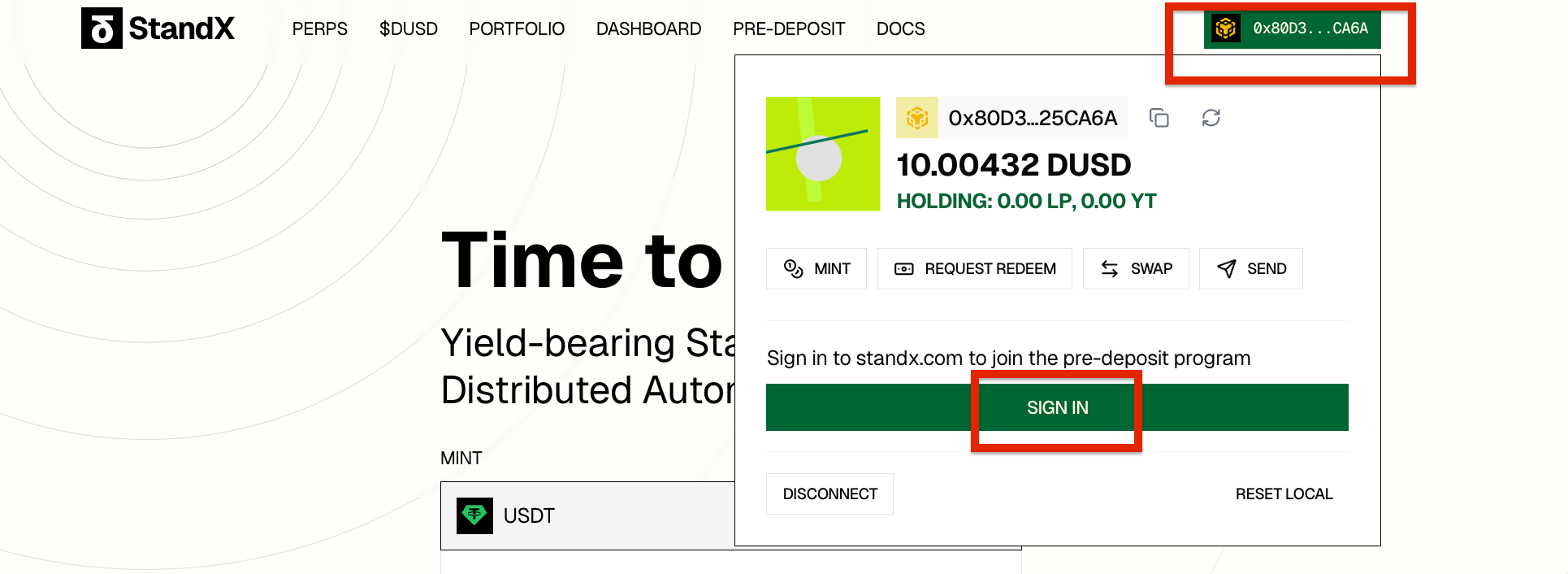
- Connect and SIGN IN
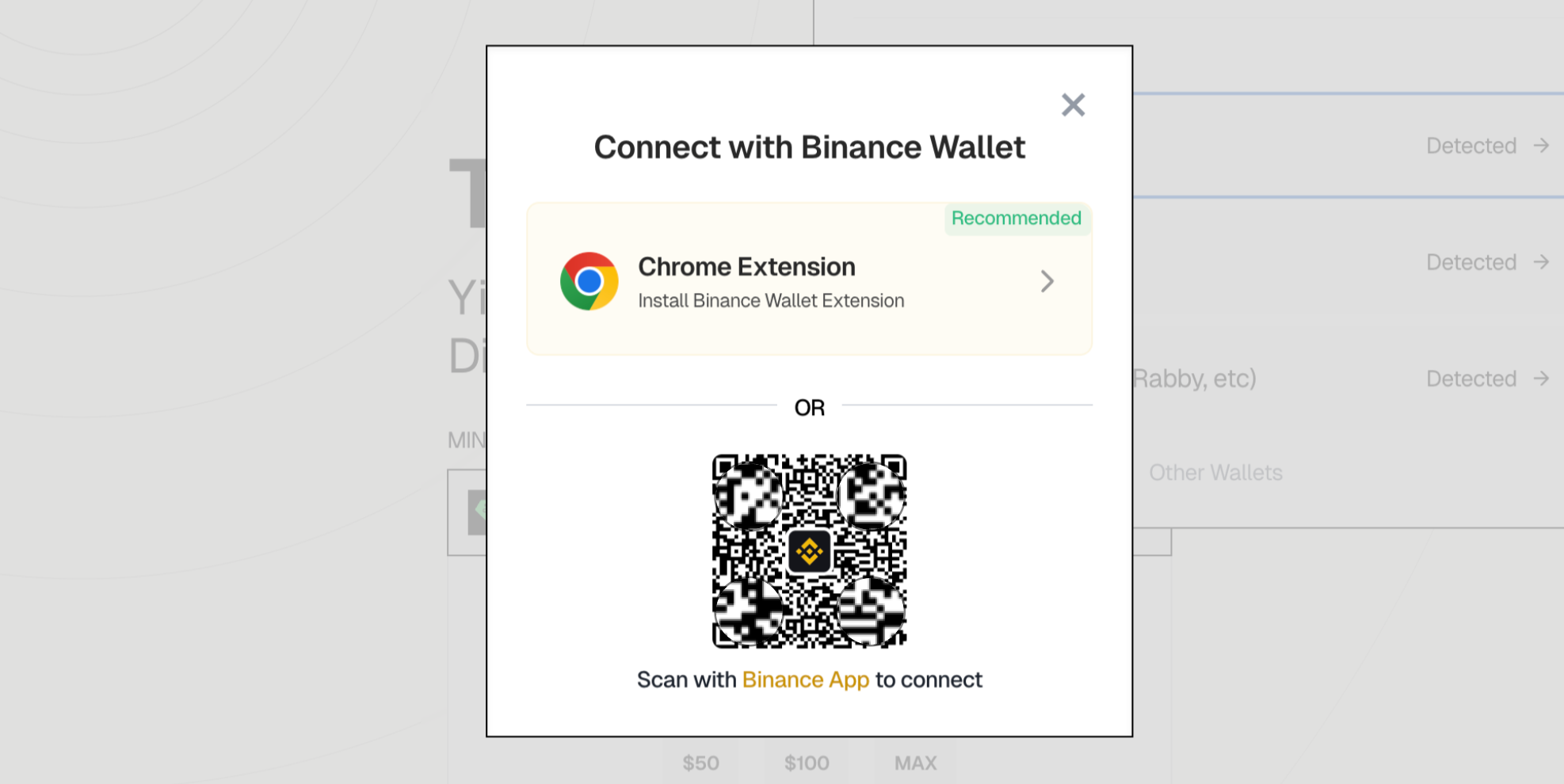
If you do not have Binance Wallet Chrome extension
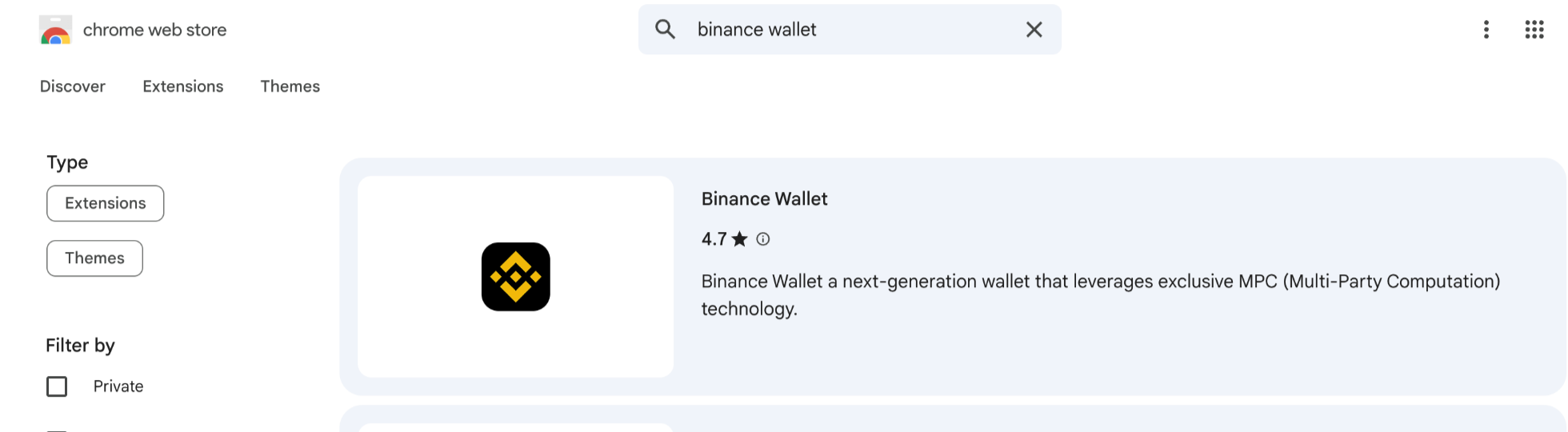
- Open the Chrome browser . Go to Chrome Web Store - search “Binance Wallet” - install.
- Create a wallet account. To create or import a wallet, you’ll need a small amount of BNB or SOL to cover network fees.
2. Deposit in PERPS
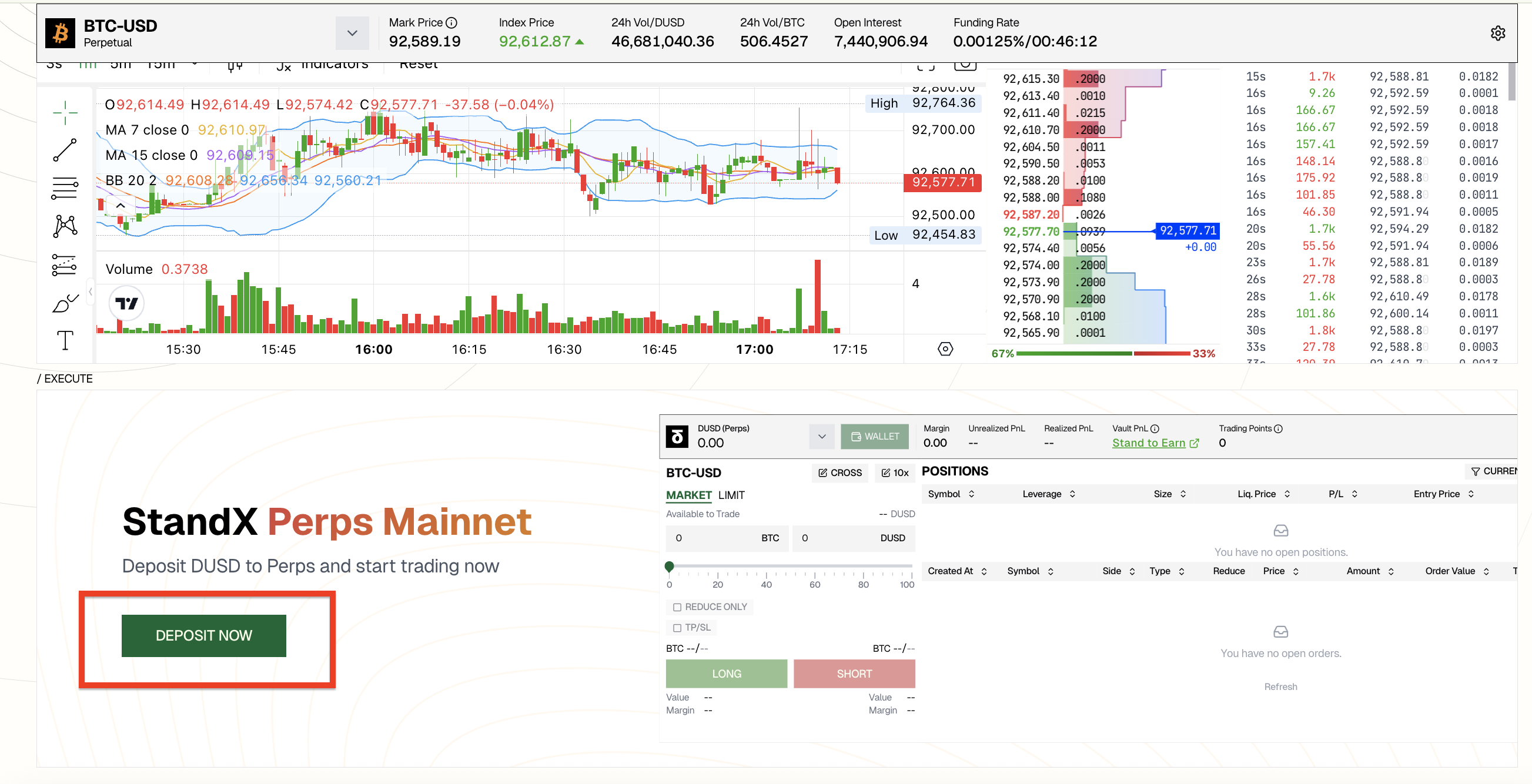
- Click ‘PERPS’ to enter the trading page
- Click ‘DEPOSIT NOW’
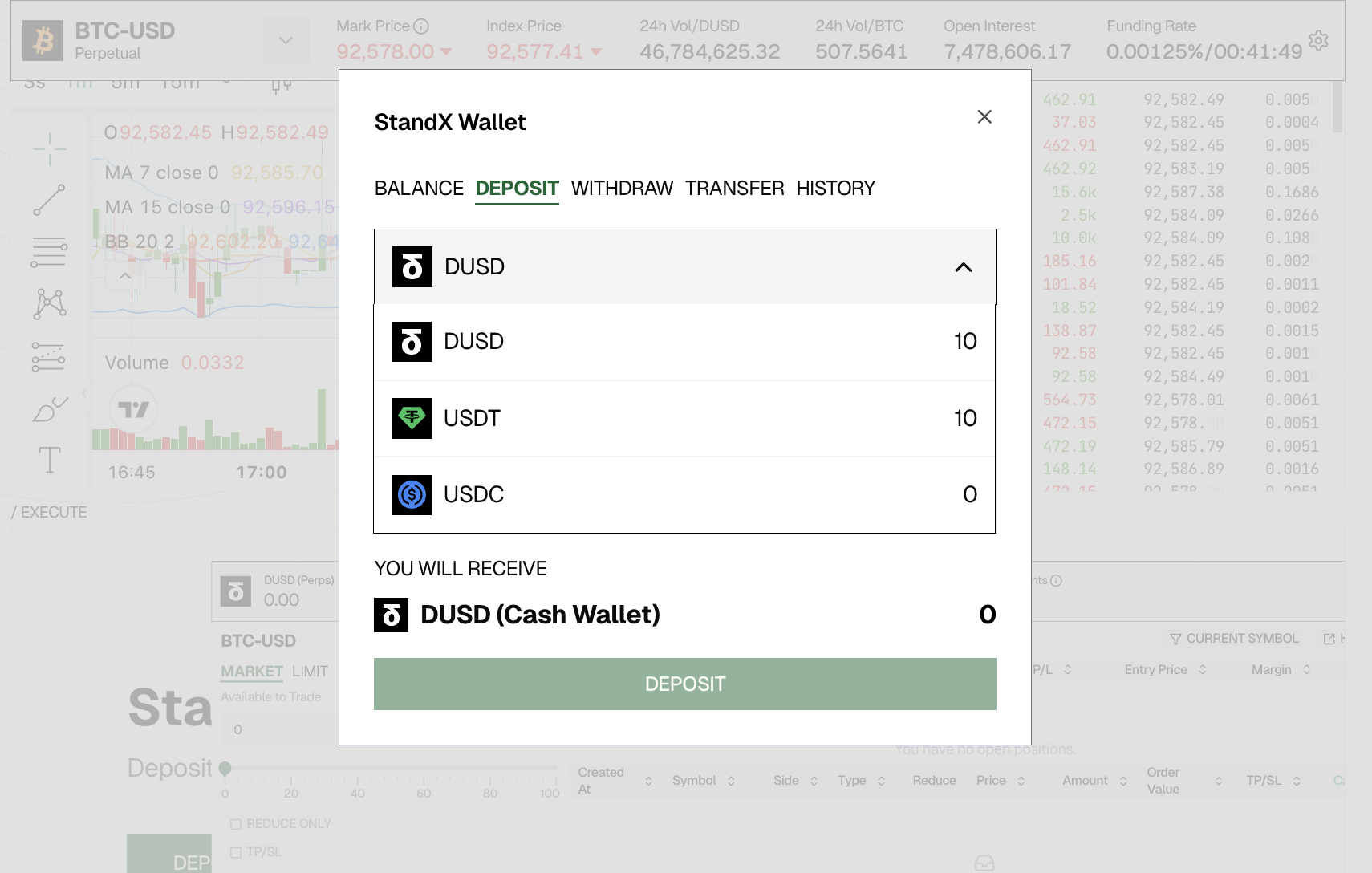
- Select your token
If you haven’t minted DUSD yet, you can simply choose USDC or USDT, the system will automatically convert it into DUSD for you.
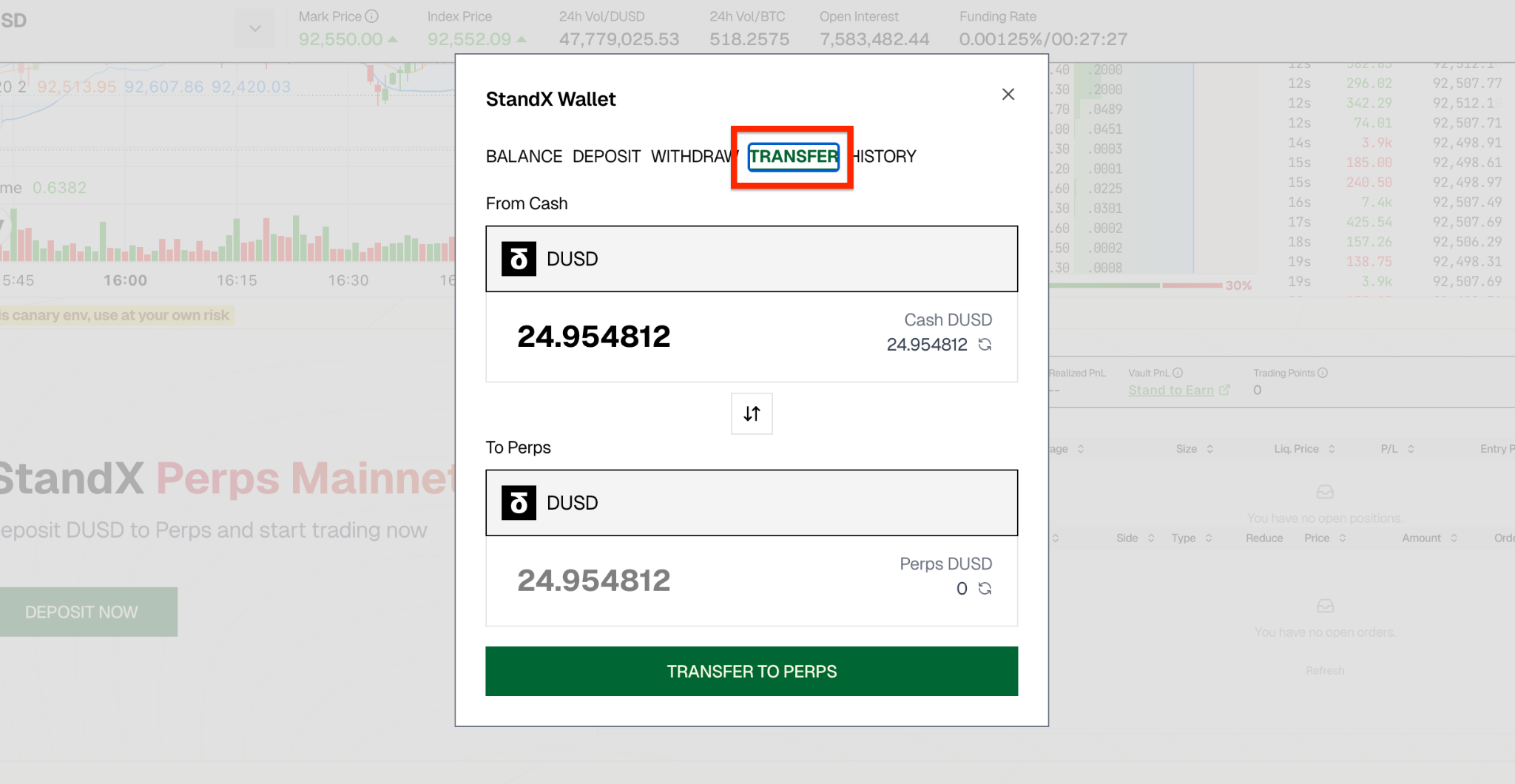
- Transfer your DUSD from CASH Wallet to PERPS WalletOnly the DUSD in your Perps Wallet can be used for Perps trading, and only DUSD held in the Perps Wallet will earn holding points.
3. Make an order
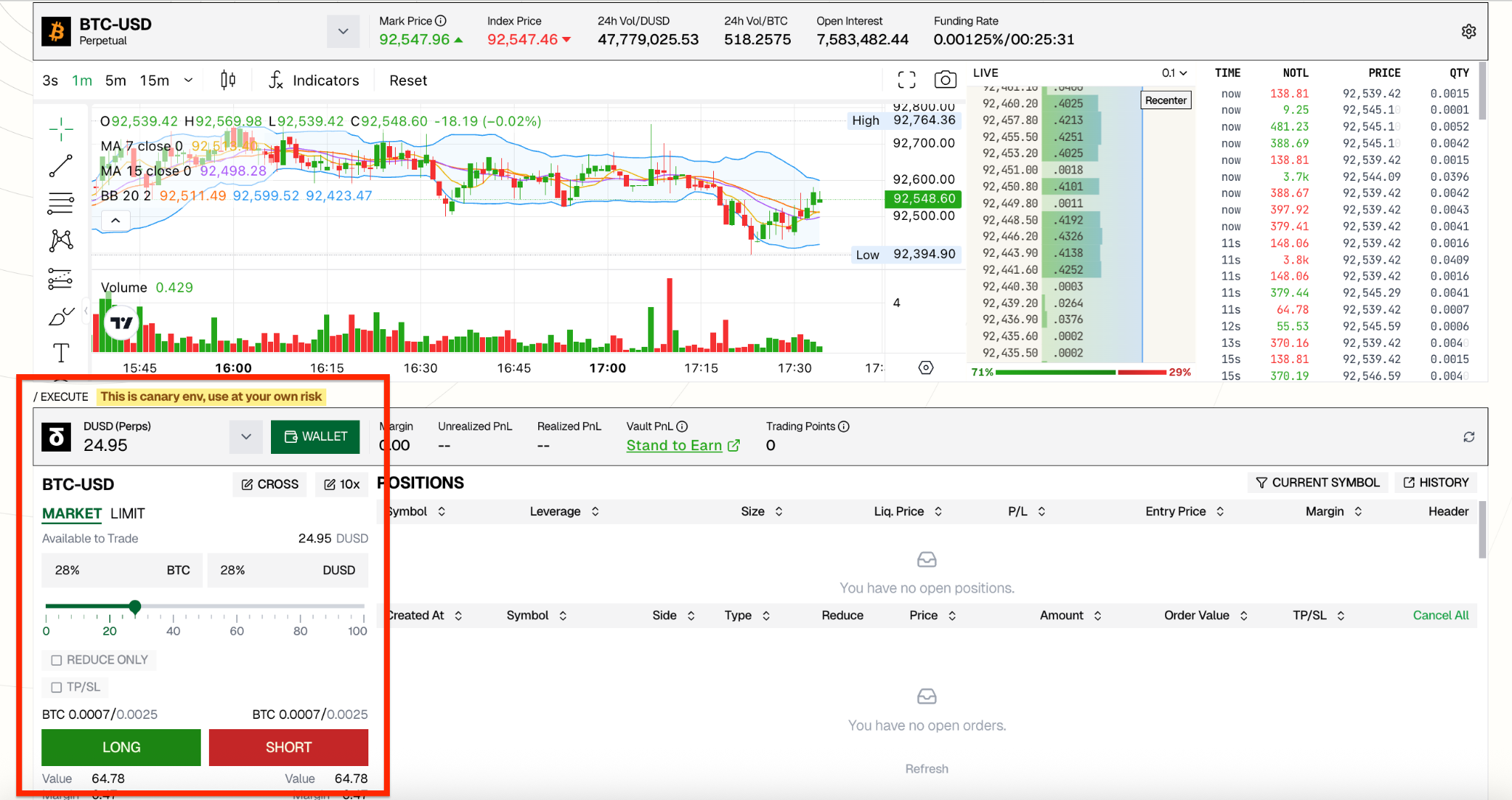
- Start your perps trading in the EXECUTE part
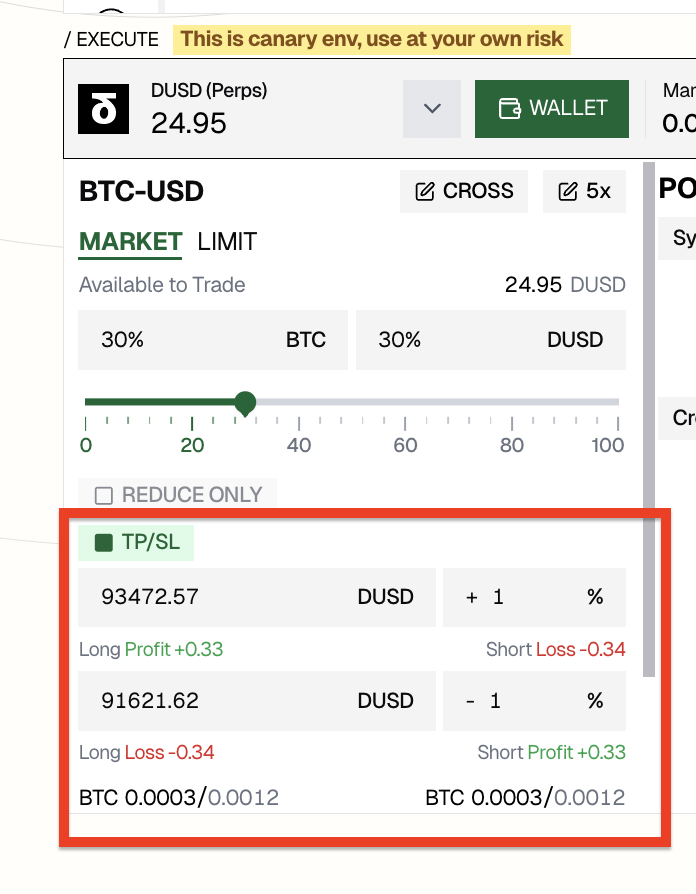
- Set TP/SL to control your trading risk
4. Adjust your order
- Check all your orders in POSITIONS part
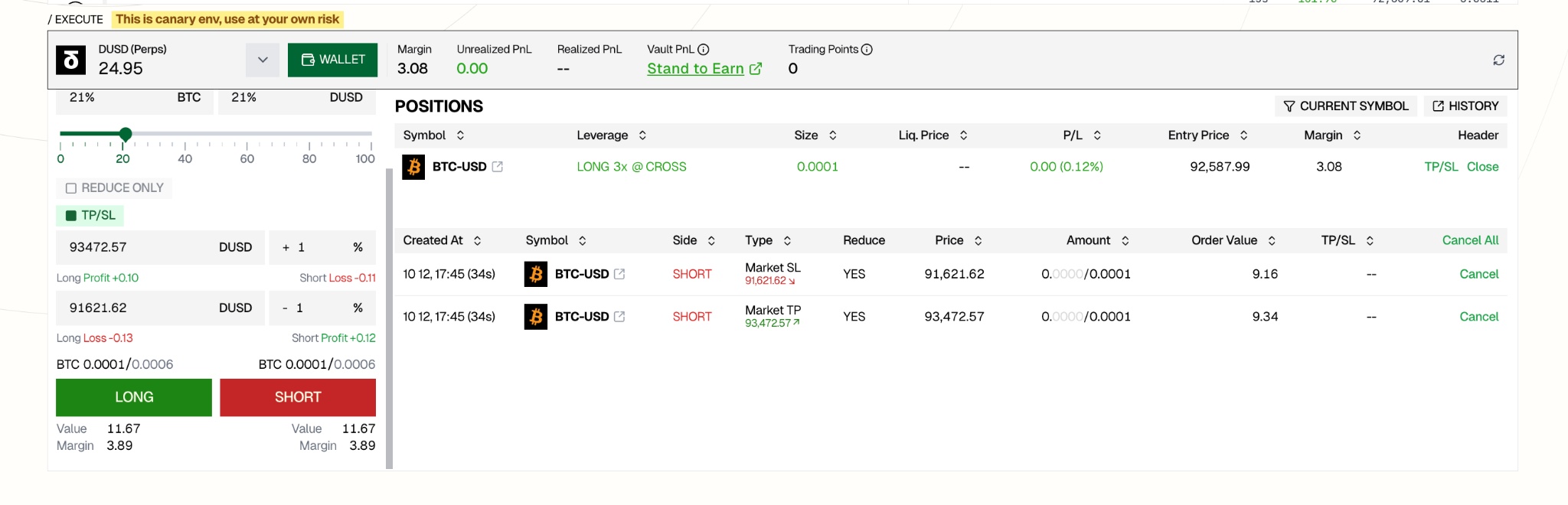
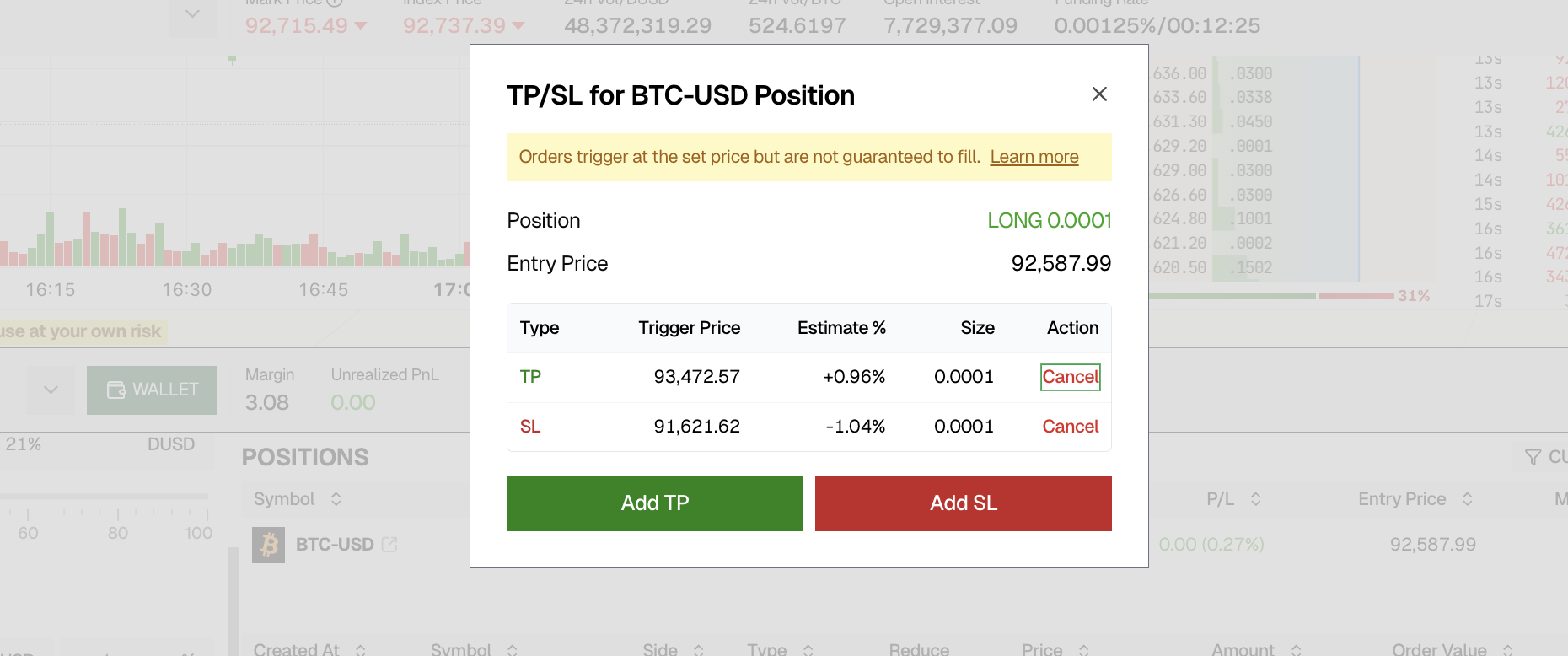
- Click TP/SL button to add/cancel TP/SL
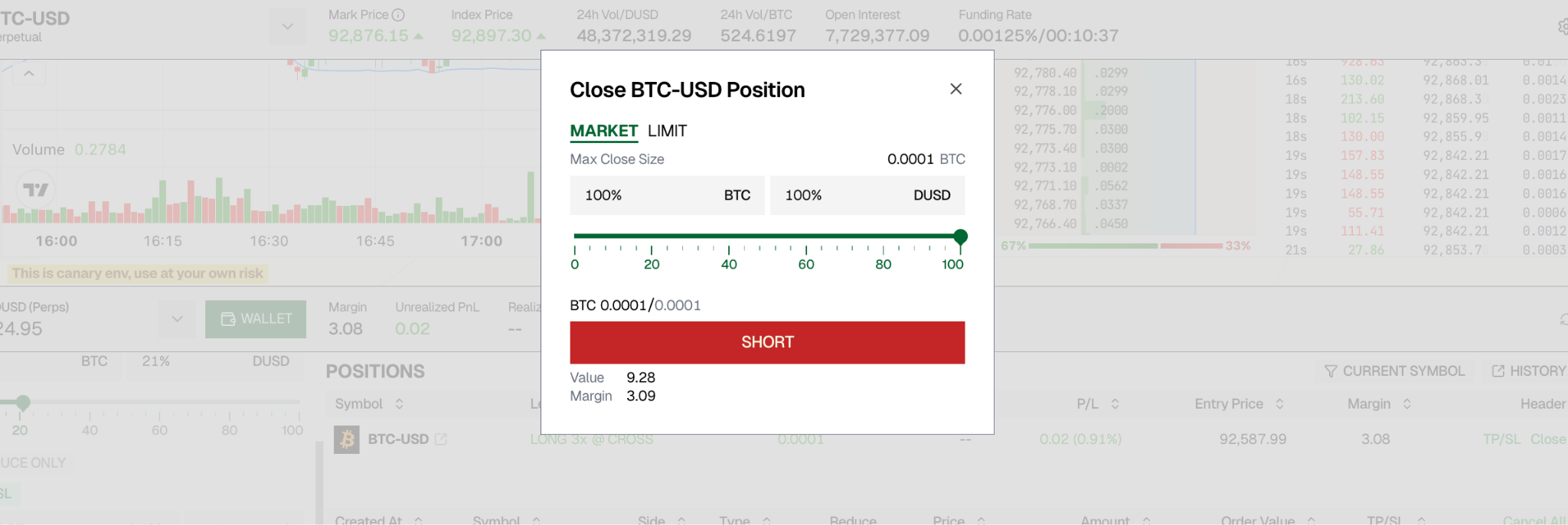
- Close your order by clicking the “Close” button in the POSITIONS section.
If you have a LONG position, drag the slider to choose how much you want to close, then click “SHORT” to close it — and vice versa for SHORT positions.
5. Withdraw your fund
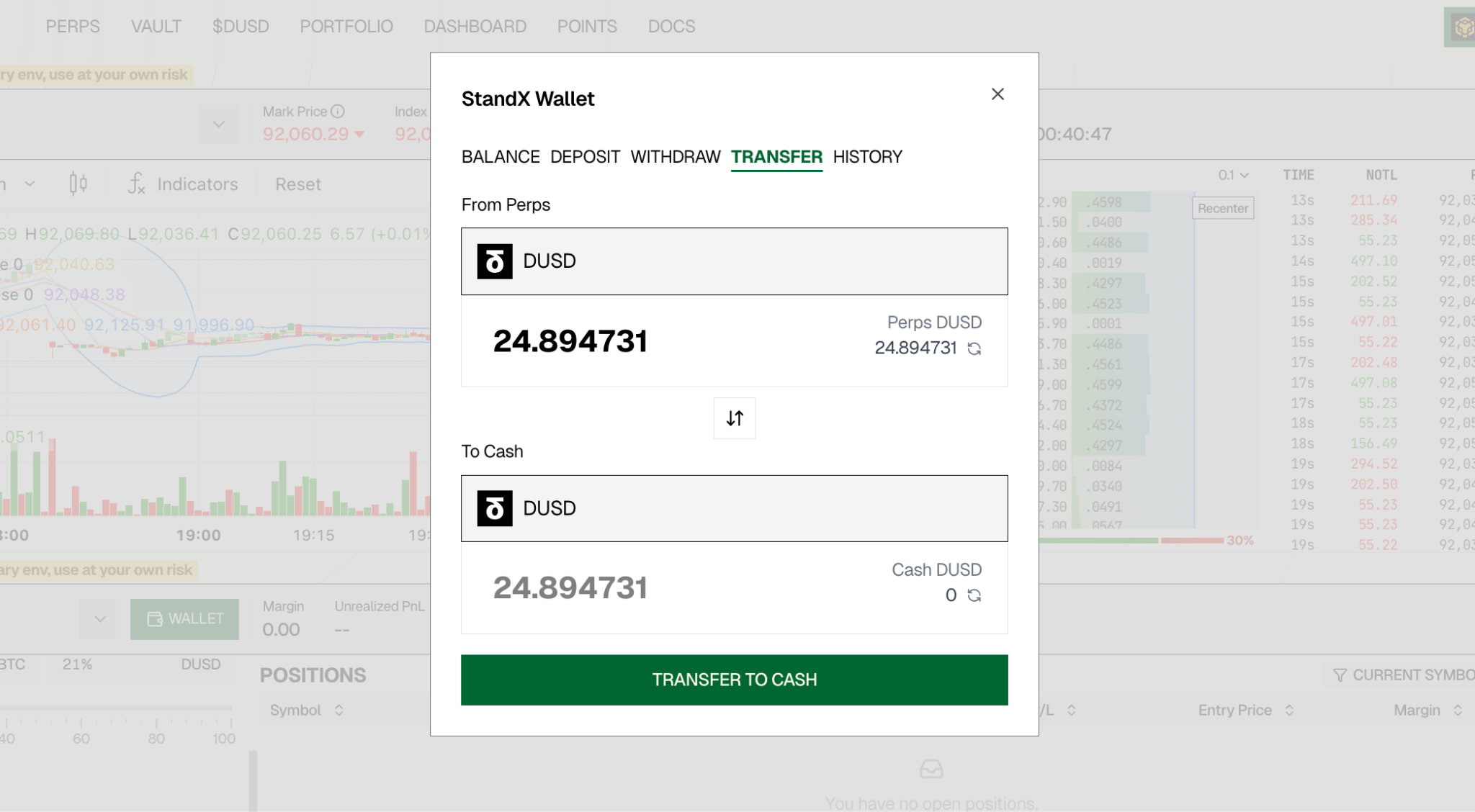
- Click ‘WALLET’ to transfer your DUSD from PERPS Wallet to CASH Wallet
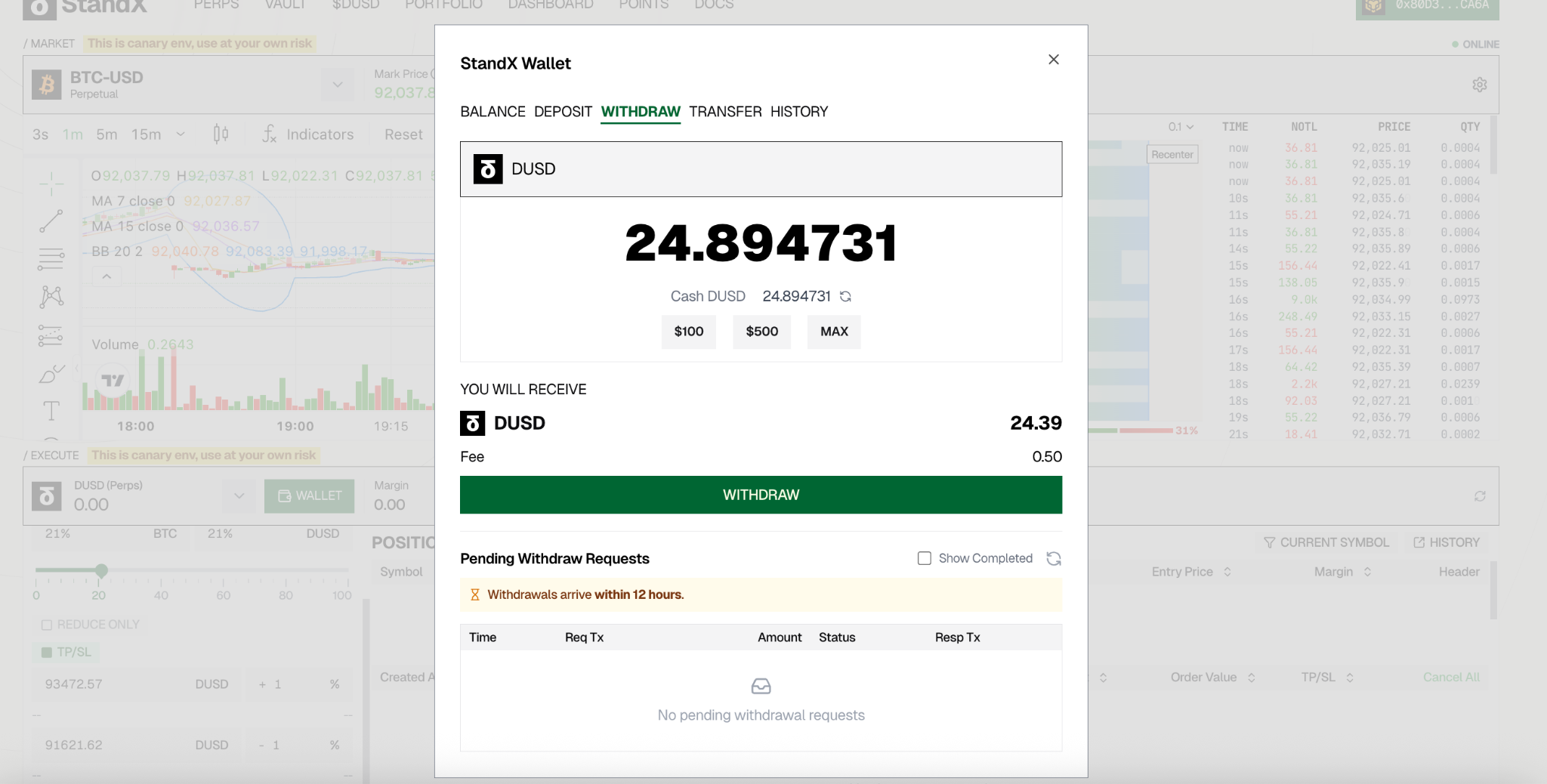
- Then you could WITHDRAW your DUSD.
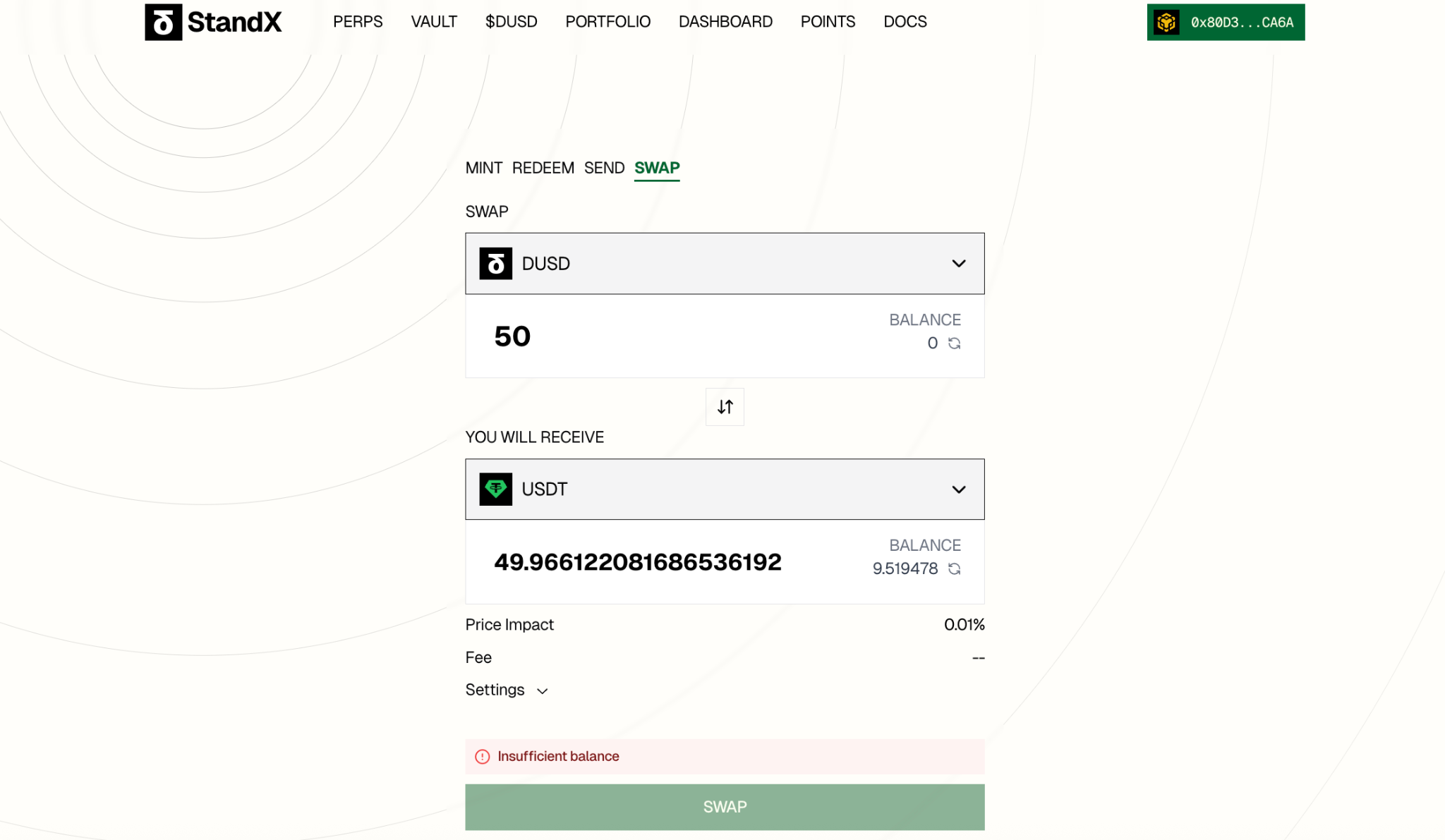
- If you want to change DUSD to USDT/USDC, you could REDEEM/SWAP in this page: https://standx.com/dusd?action=swap
- If you choose REDEEM, there is 7 days lock time for redemption
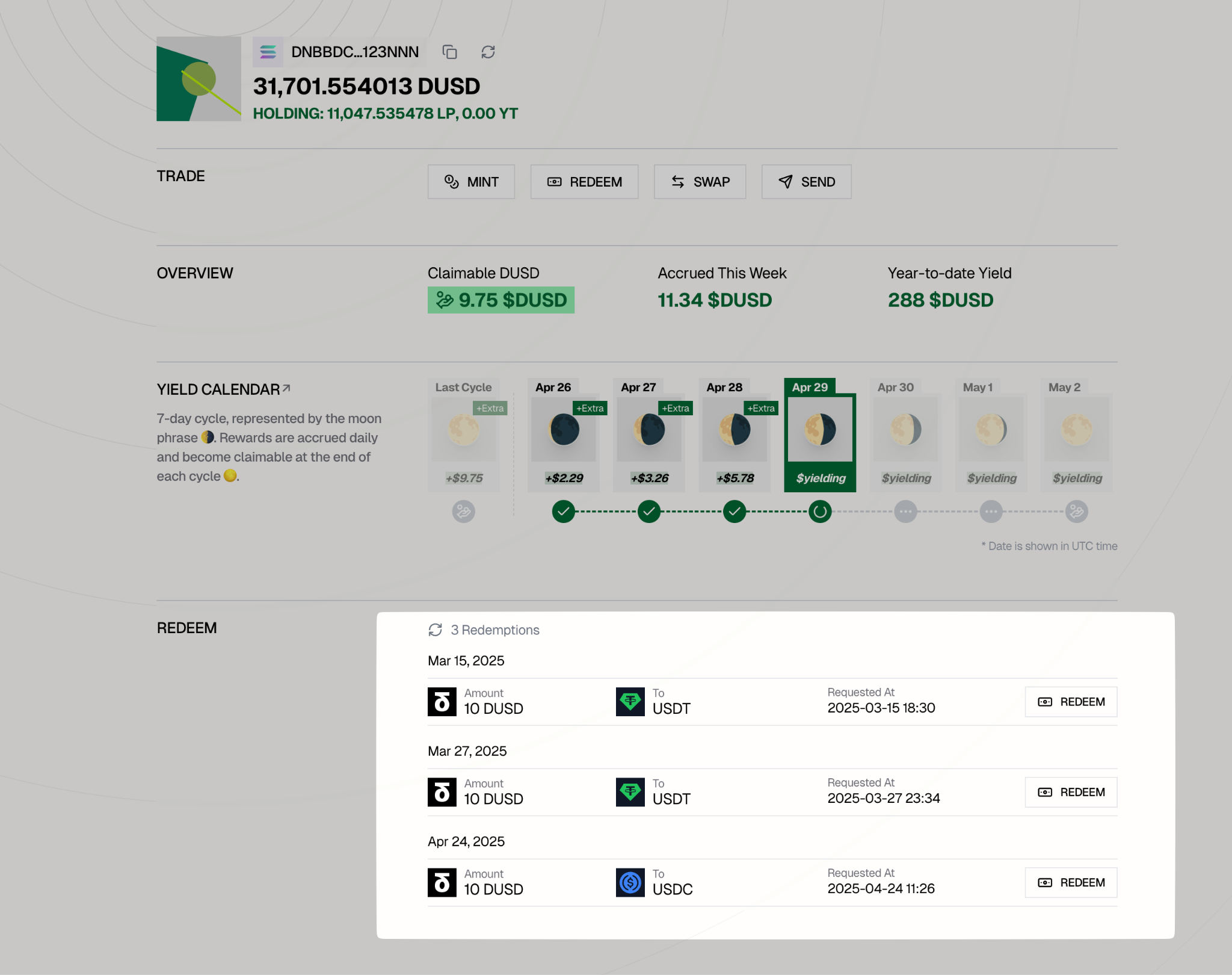
- Visit the https://standx.com/portfolio and click the Redeem button to complete the redemption process